Keep delivery fees, agreed booking prices and tax consistent
What changed
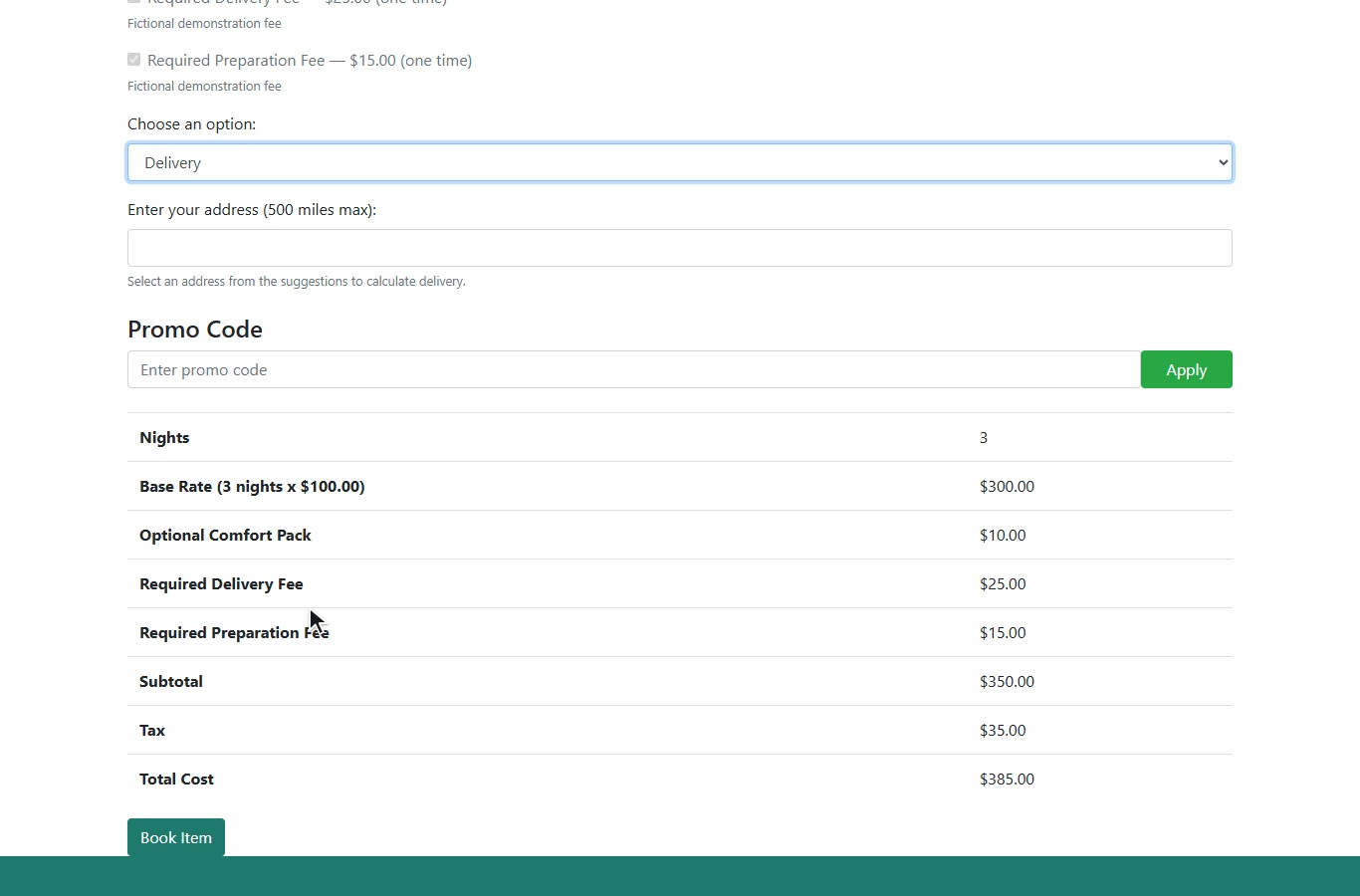
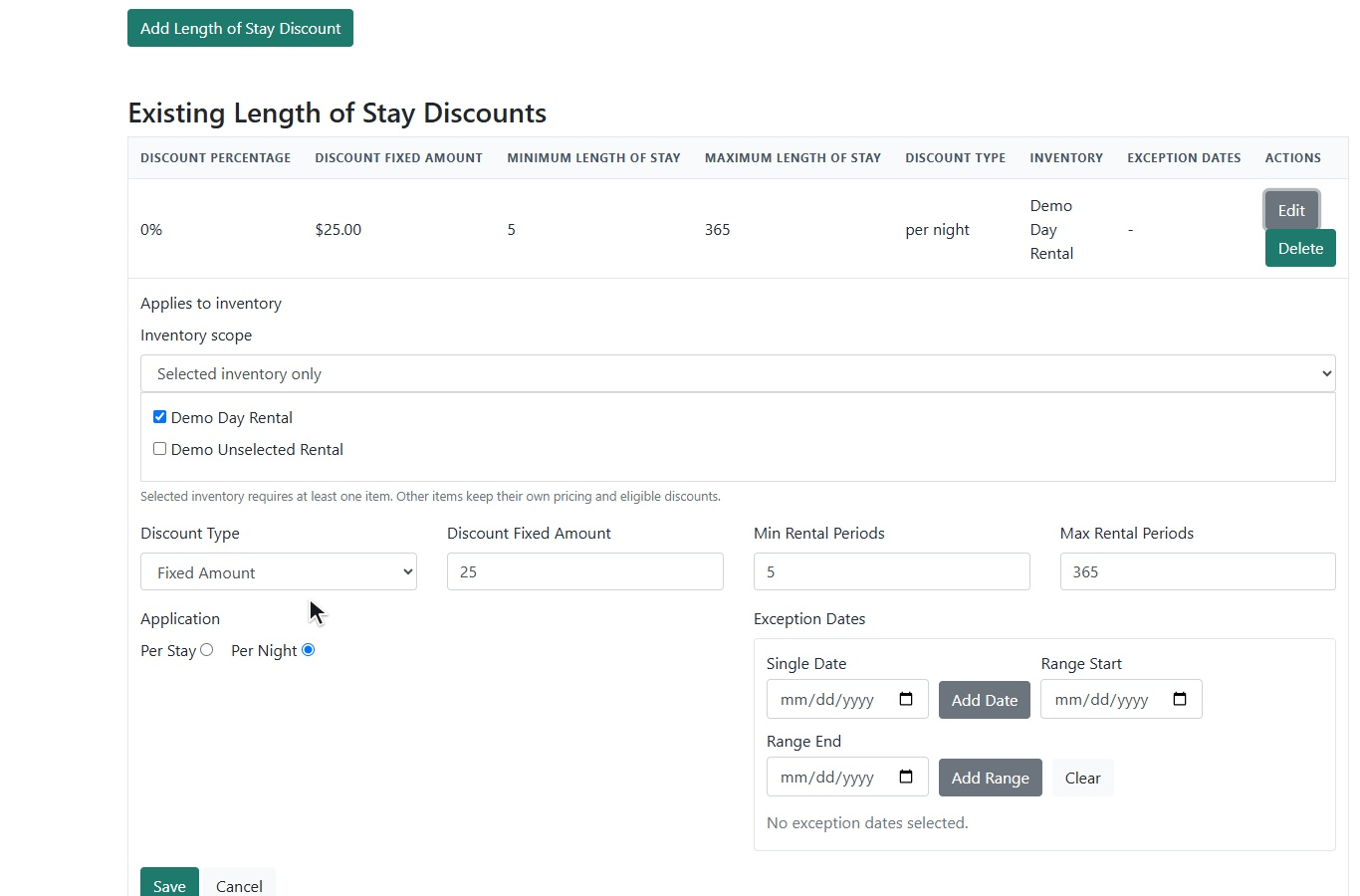
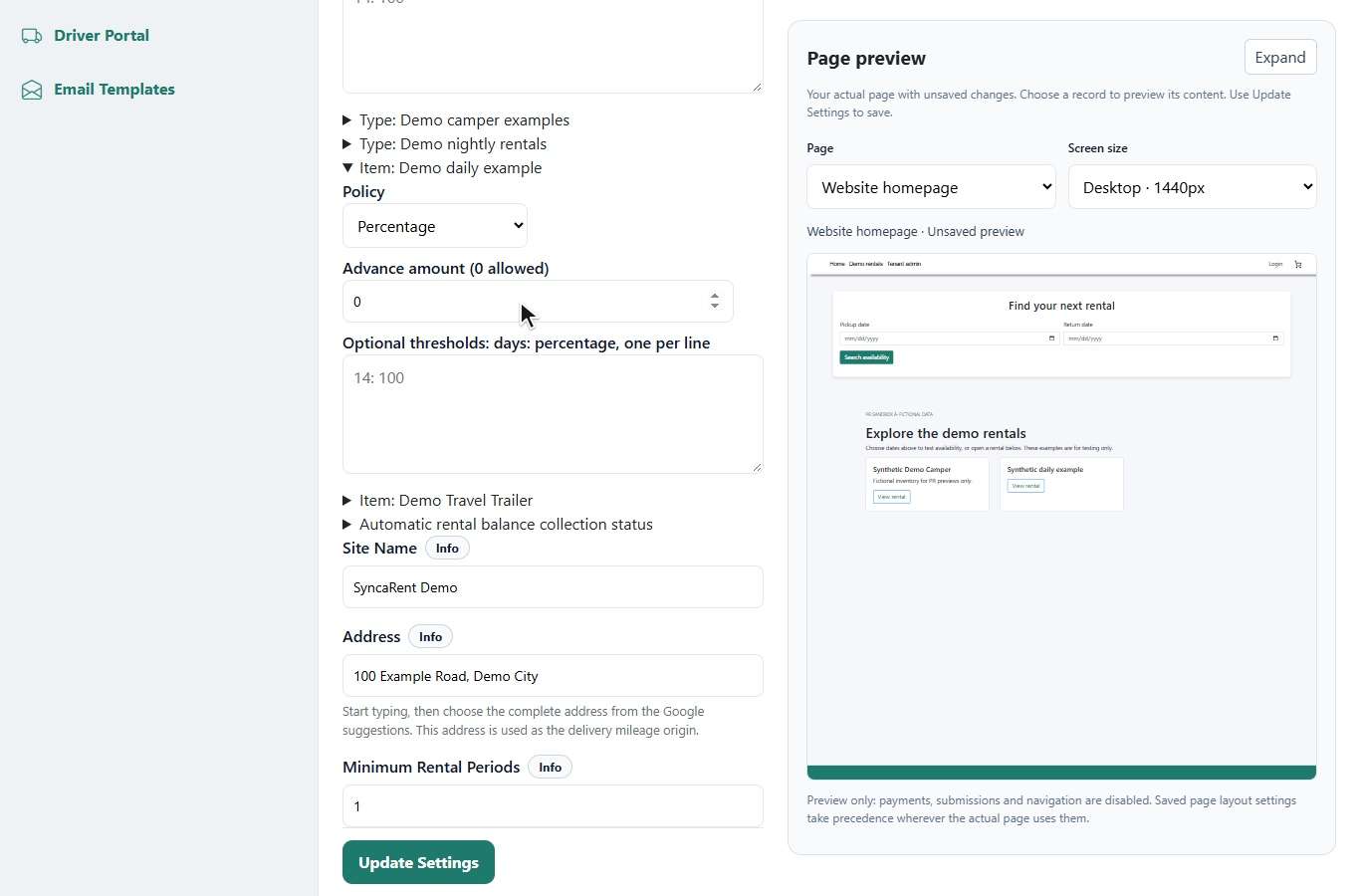
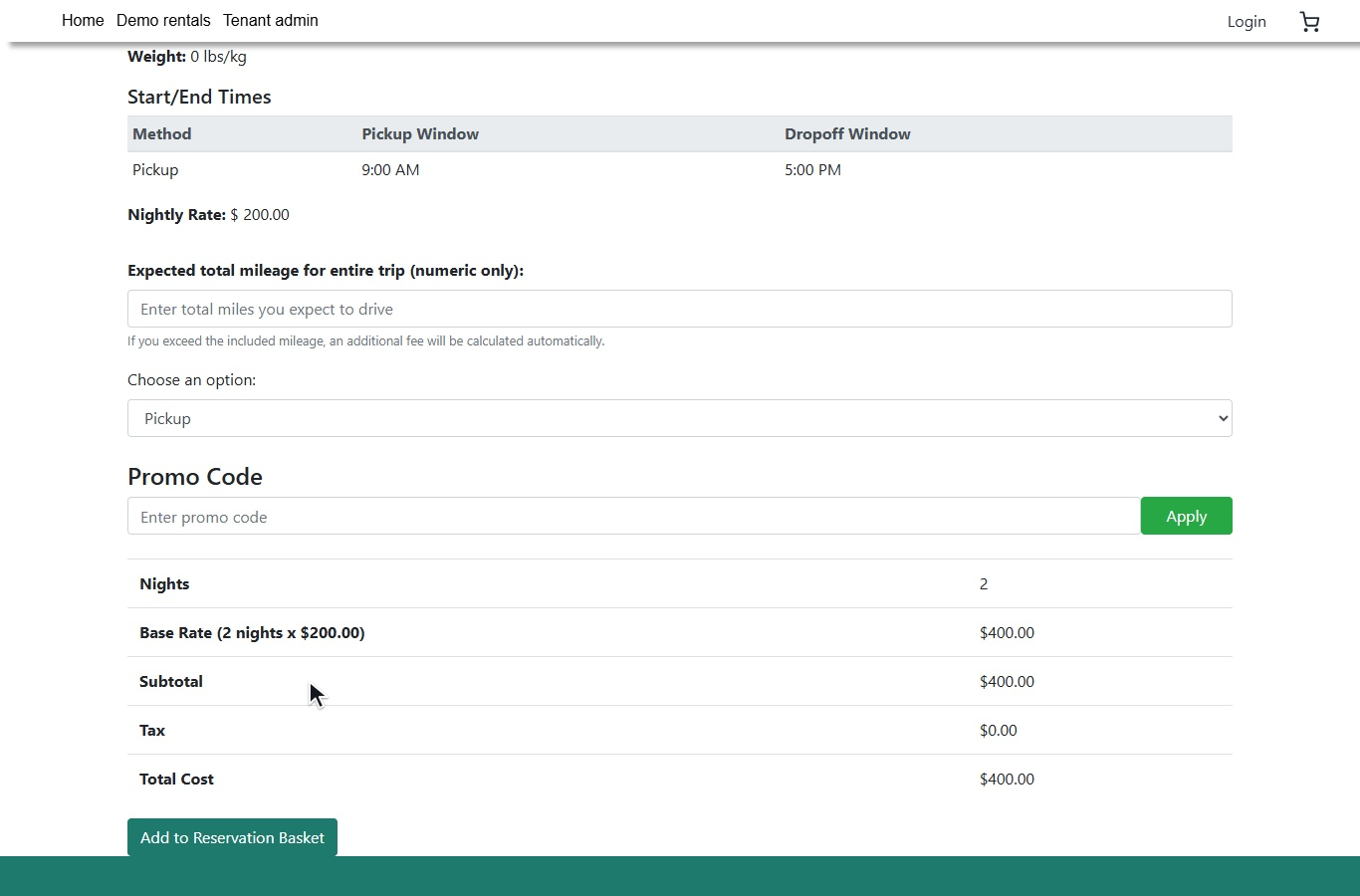
Delivery policy settings persist consistently. Required fees follow pickup/delivery selection exactly once, and unchanged reservations in As Booked mode retain their saved fee amounts, quantities, billing types and caps. Booking and invoice tax use the same saved charges.
Where to find it
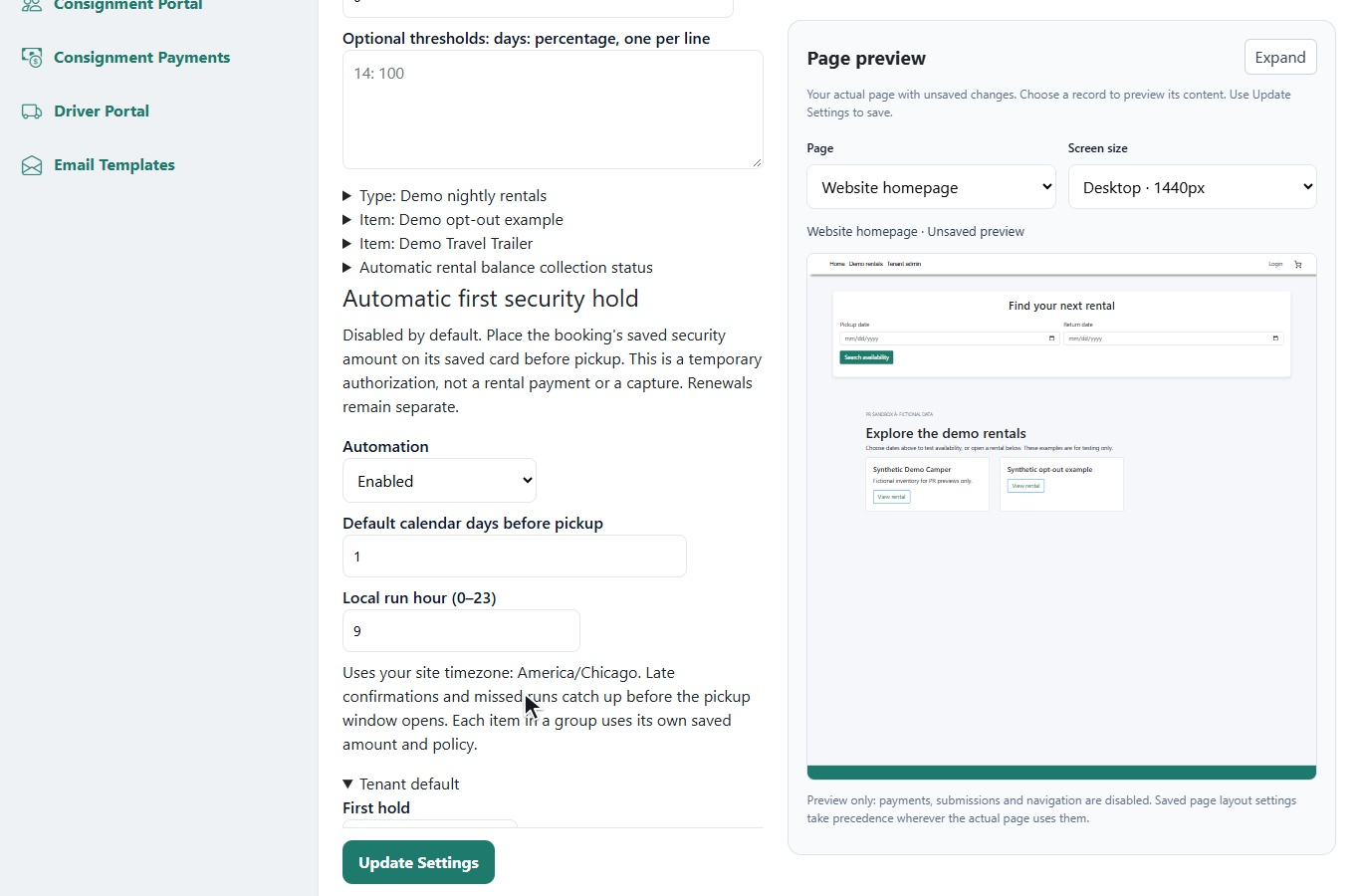
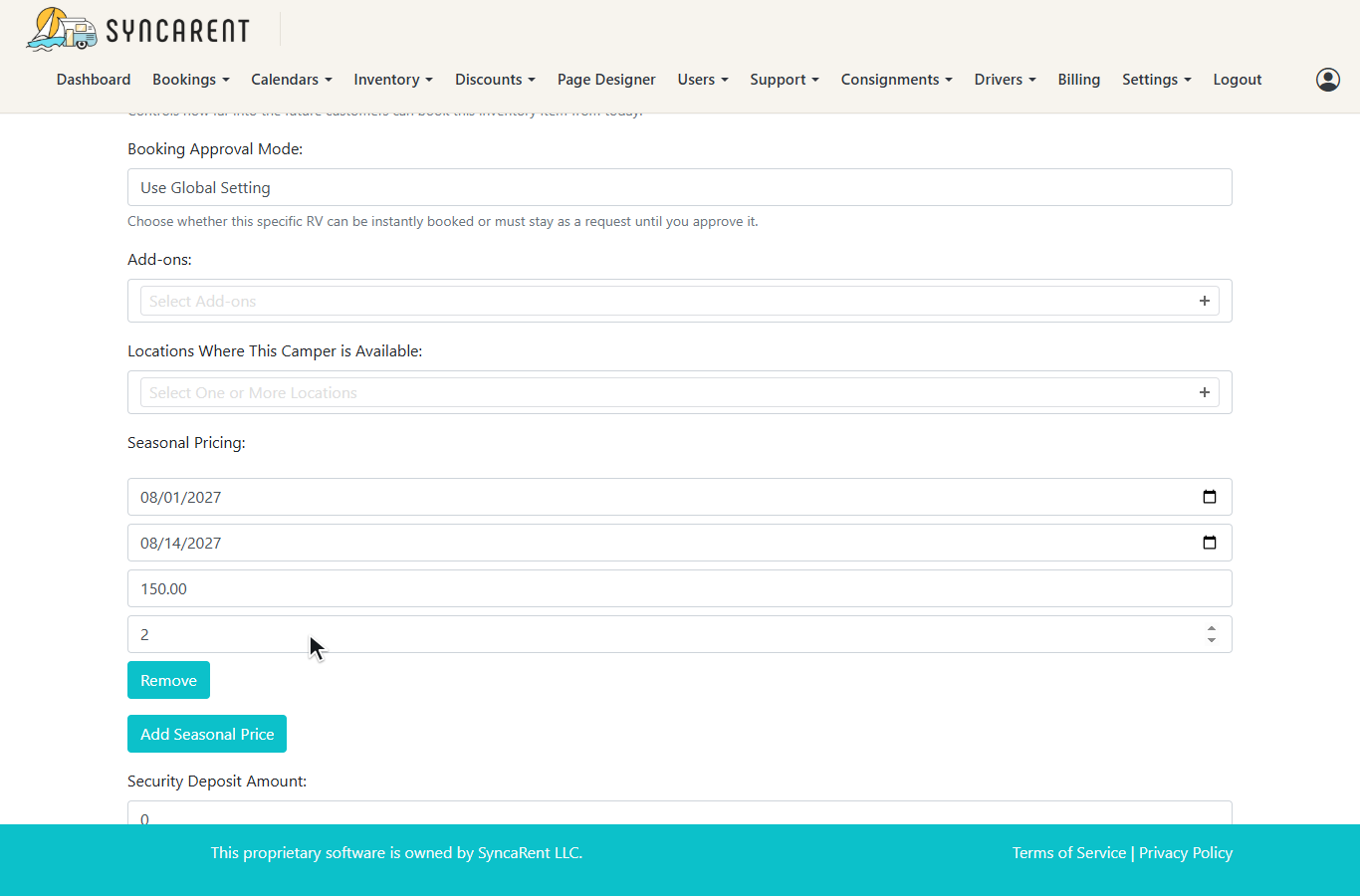
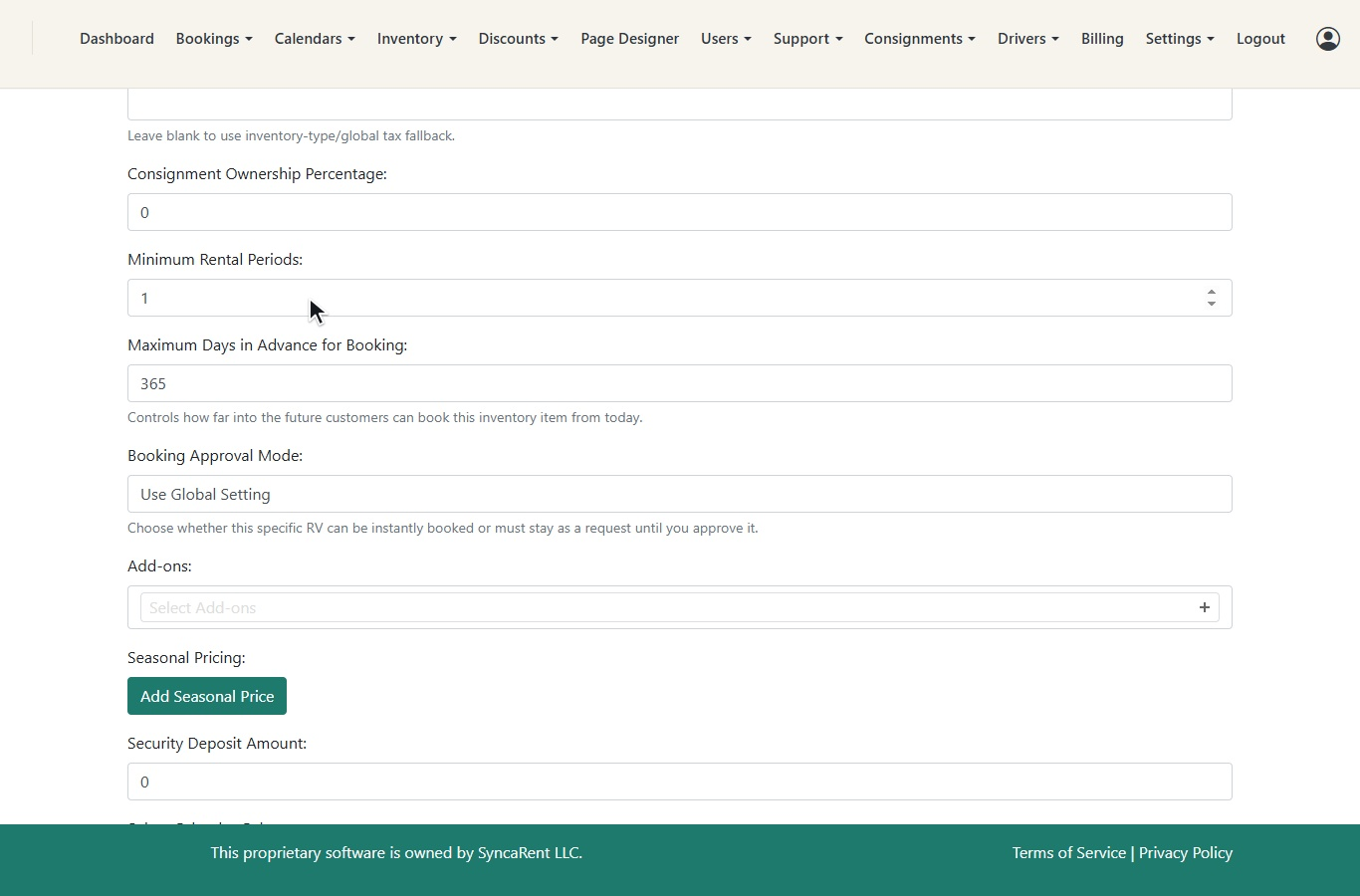
Review Site Settings and Design > Delivery and the required add-on settings. Item rules override inventory-type rules and then the company default. Existing legacy delivery modes remain available when no matching base policy applies.
Examples
A $125 base with 40 included one-way miles and $5 per excess mile gives $125 at 40 miles, $130 at 41 and $150 at 45. Round-trip mode doubles distance once before the allowance; it does not double the base. Required delivery-only fees leave when pickup is selected and return once when delivery is selected again. Other required fees and legitimate optional choices are preserved.
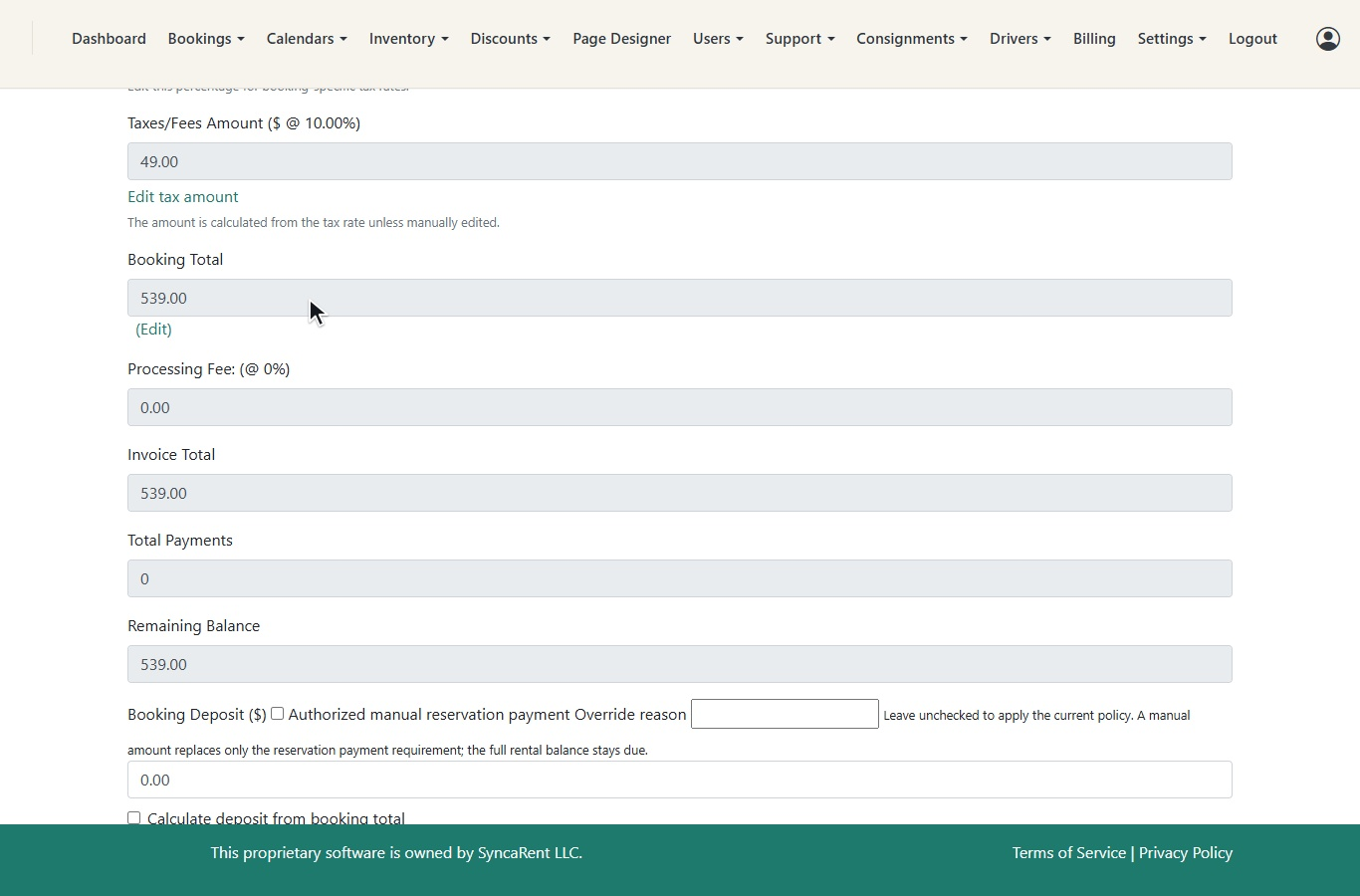
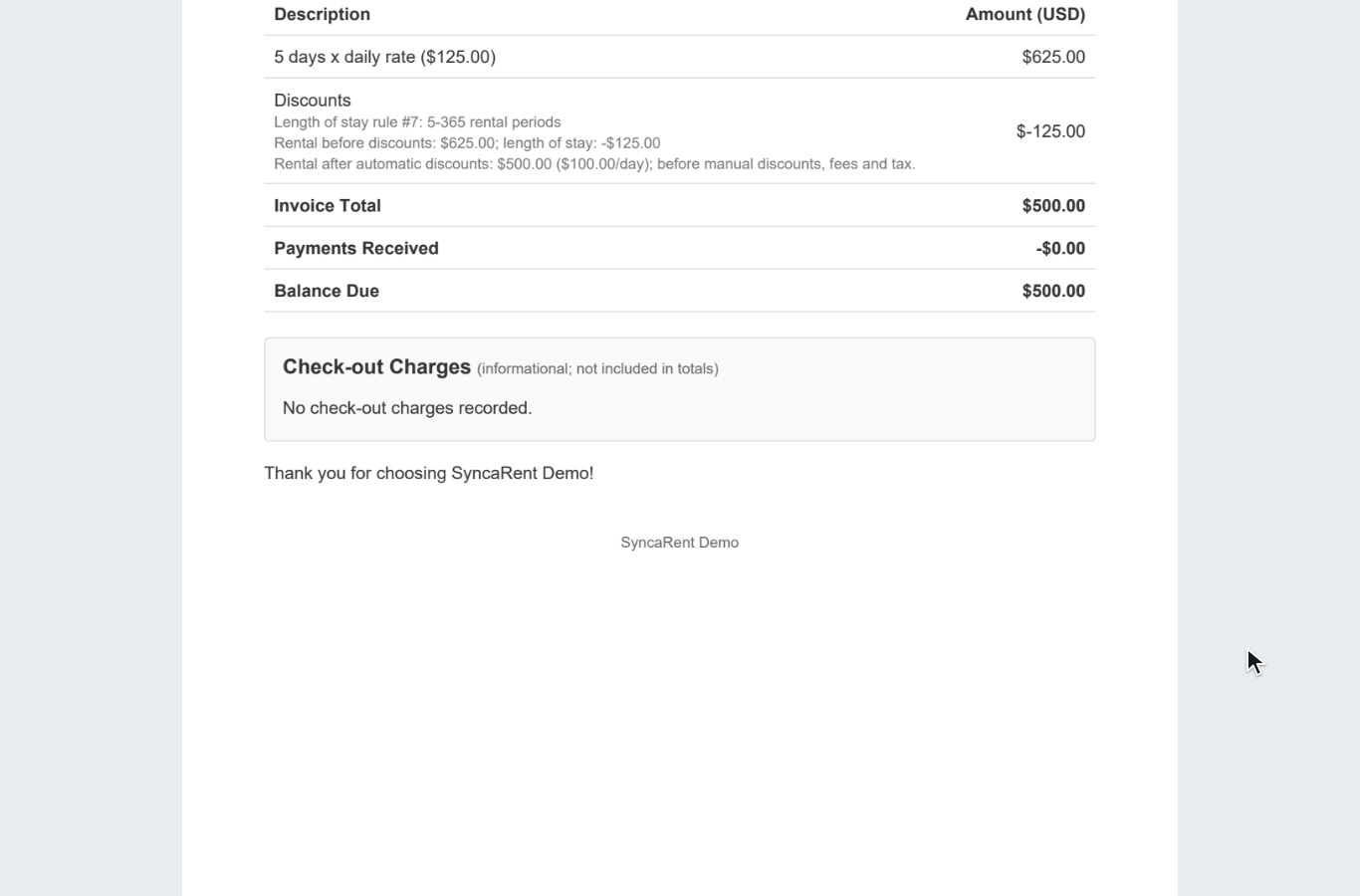
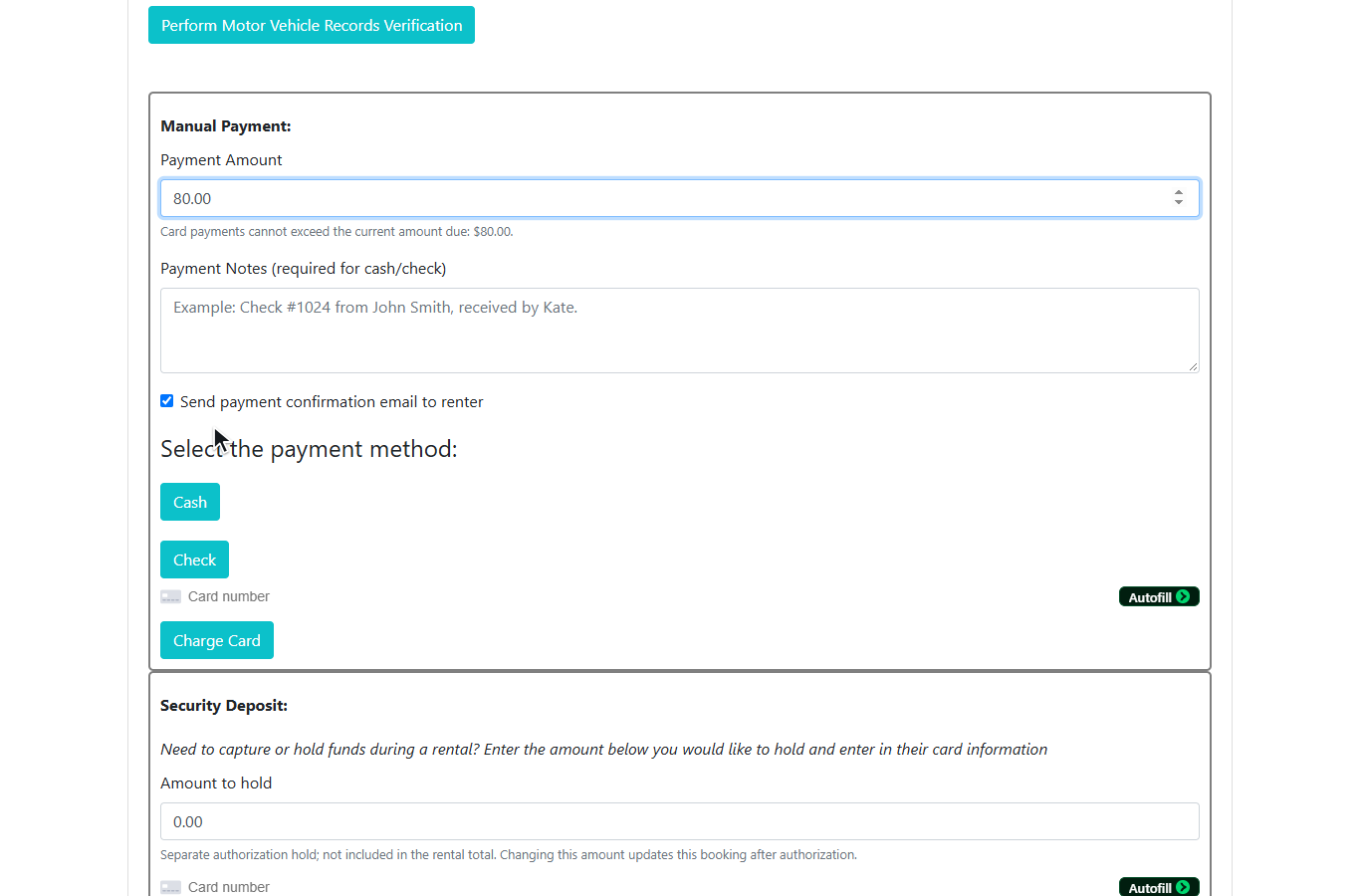
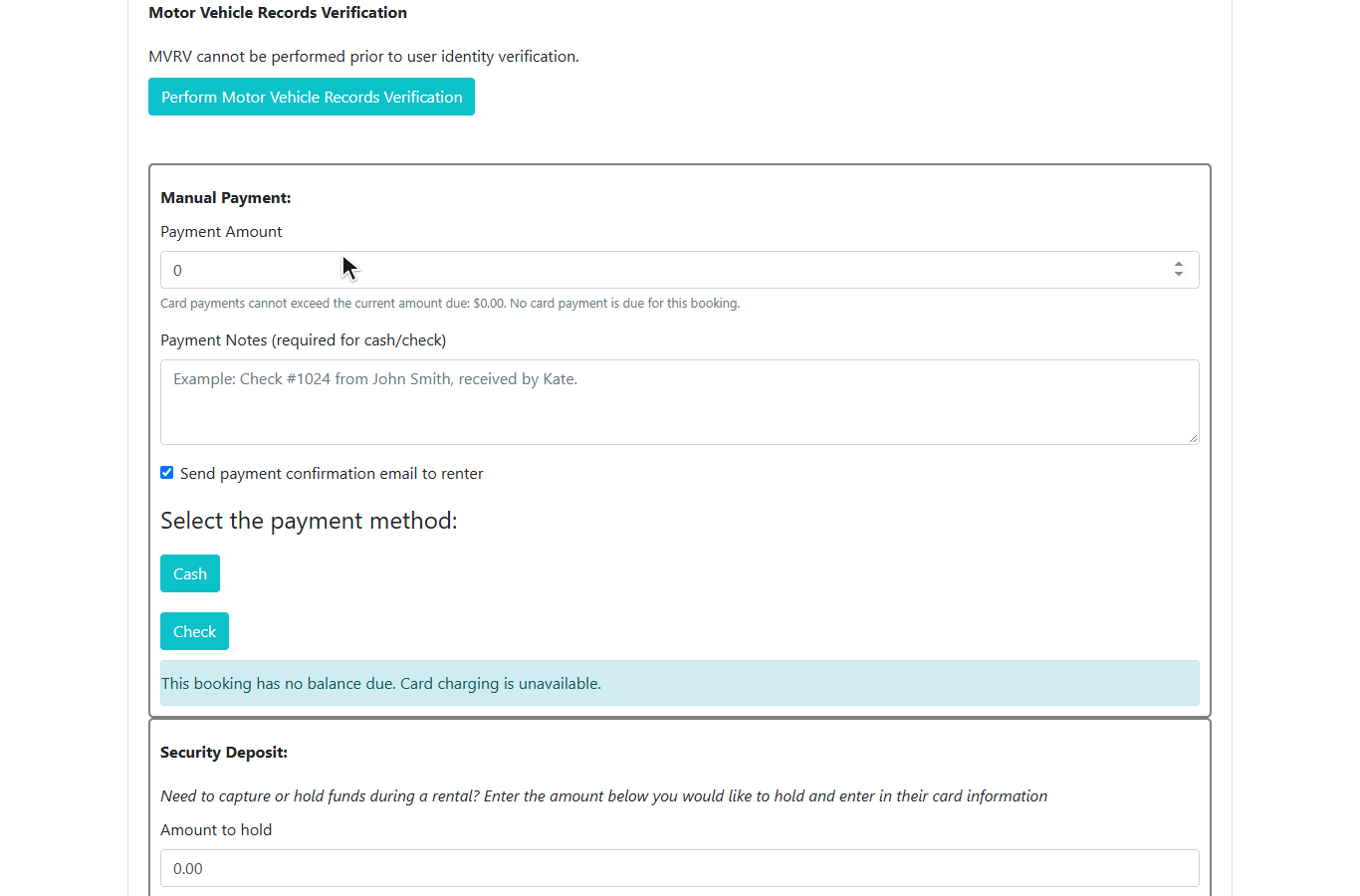
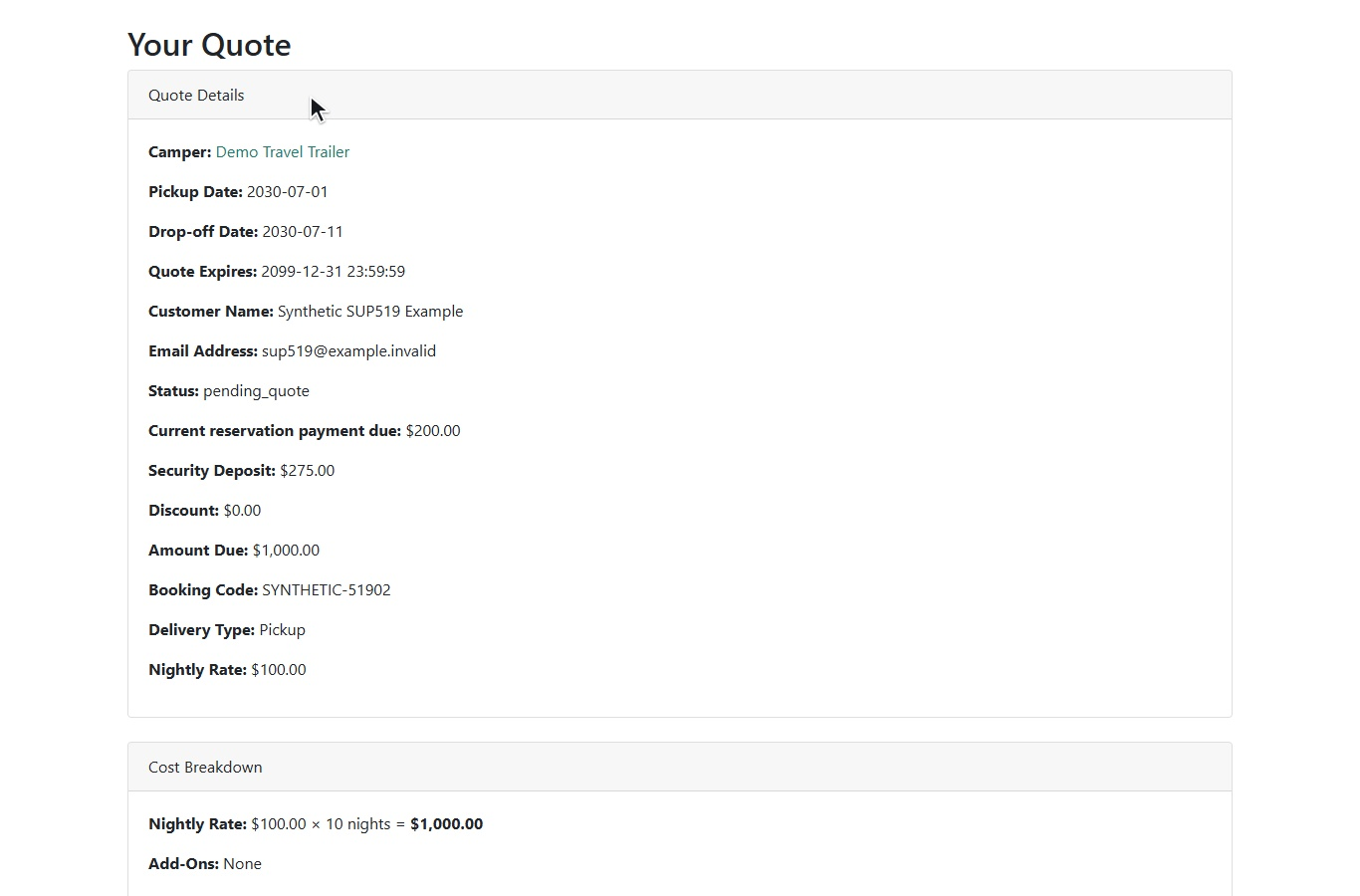
An unchanged booking agreed at $539 stays $539 even after catalog fees change. To deliberately adopt current rules, choose Reprice Booking and Apply Reprice. In the tutorial's example, the repriced subtotal is $555 plus $55.50 tax, and both booking and invoice show $610.50.
Demonstration
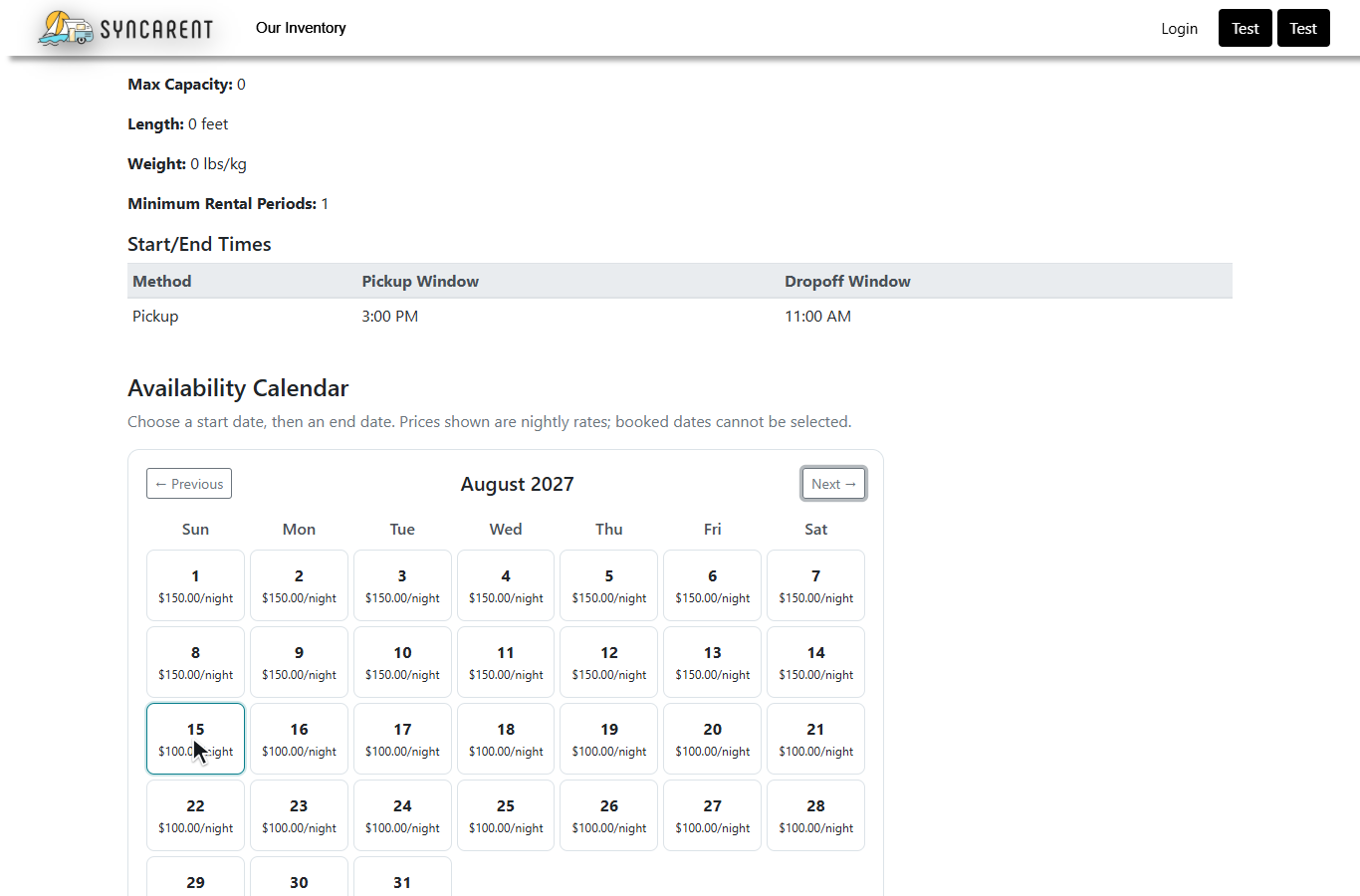
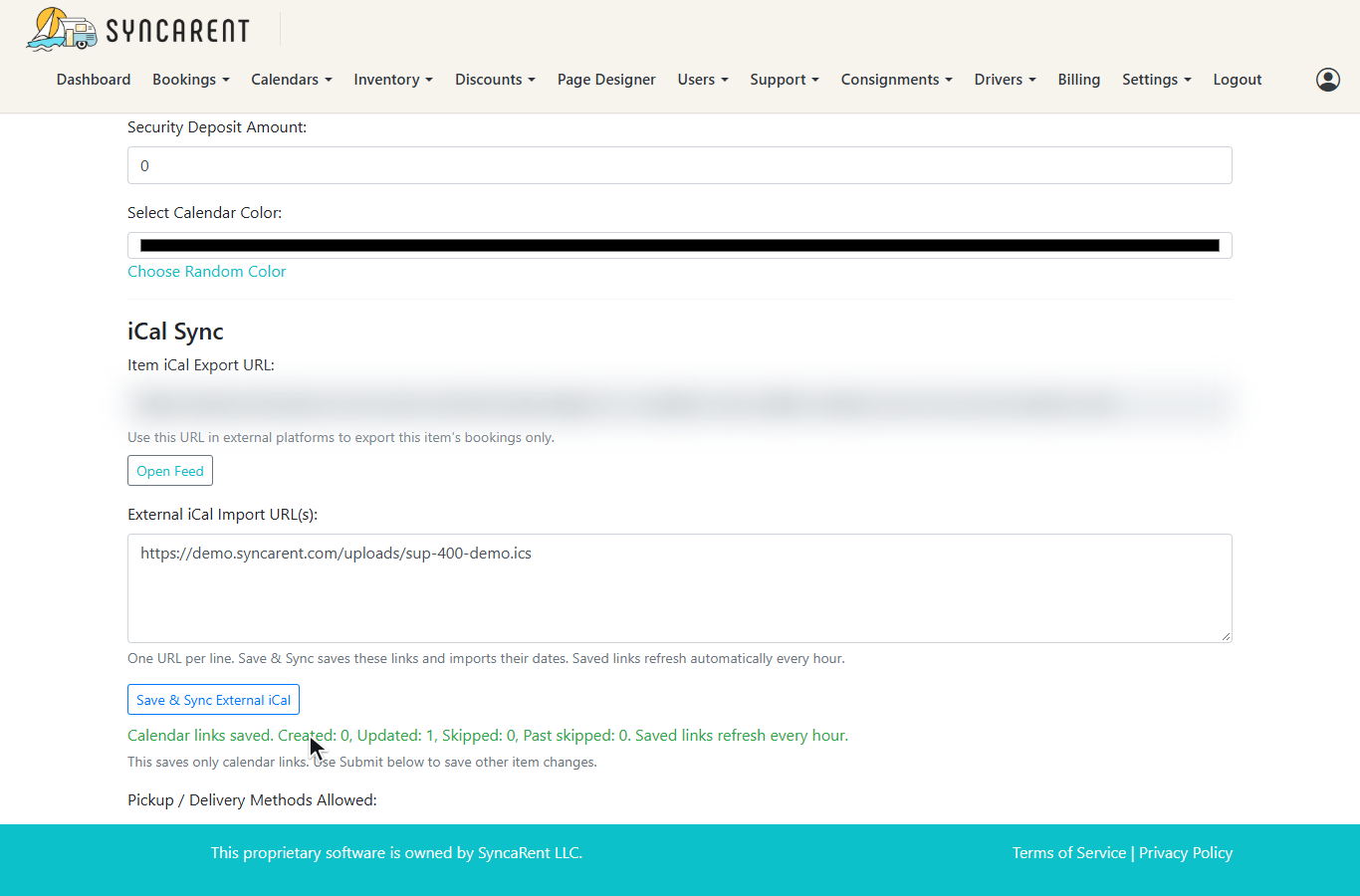
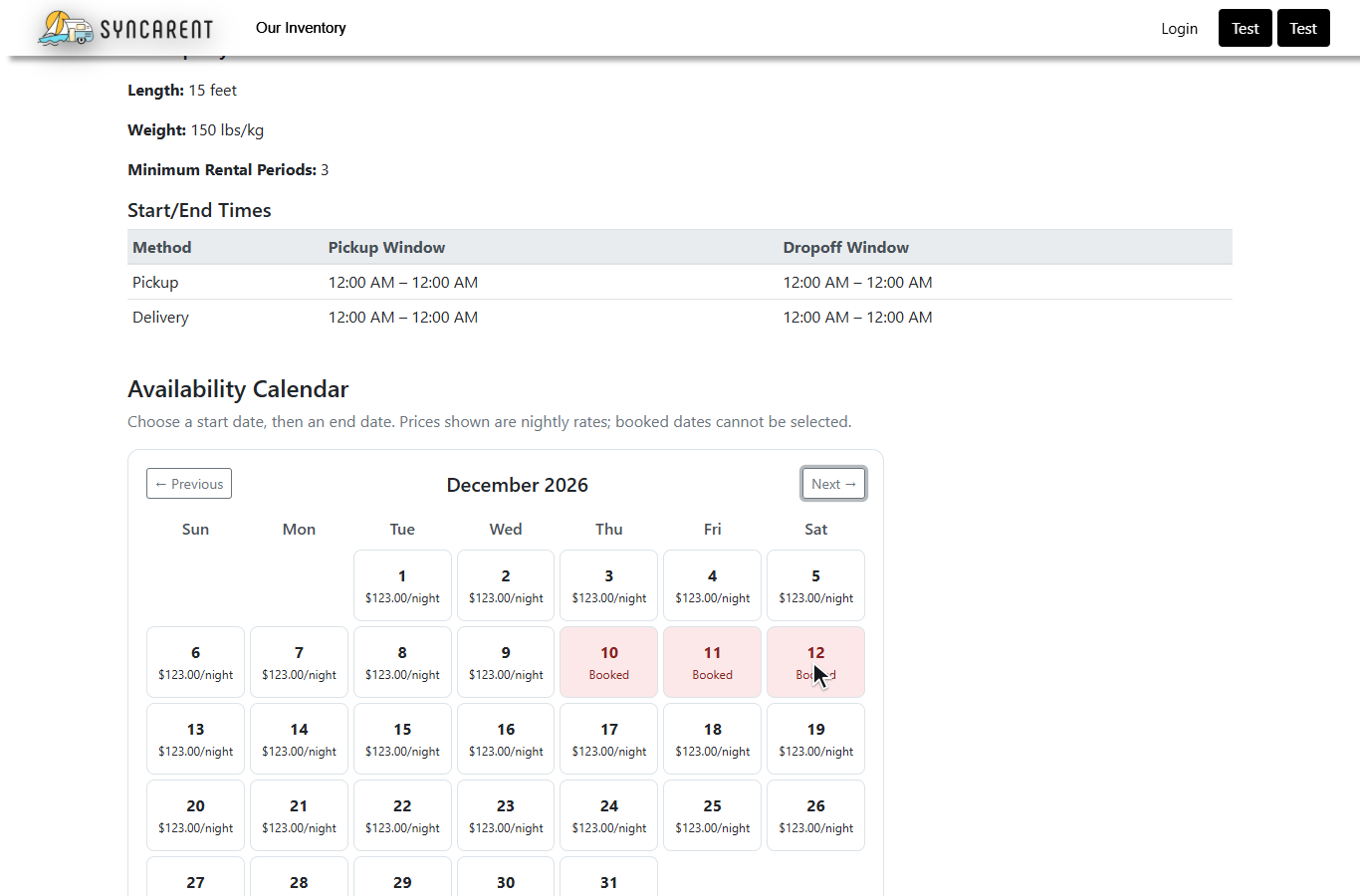
The narrated tutorial uses fictional inventory and illustrative distances, without a live route request. It shows policy save/reload, required-fee selection, As Booked preservation, explicit repricing and the exported invoice.