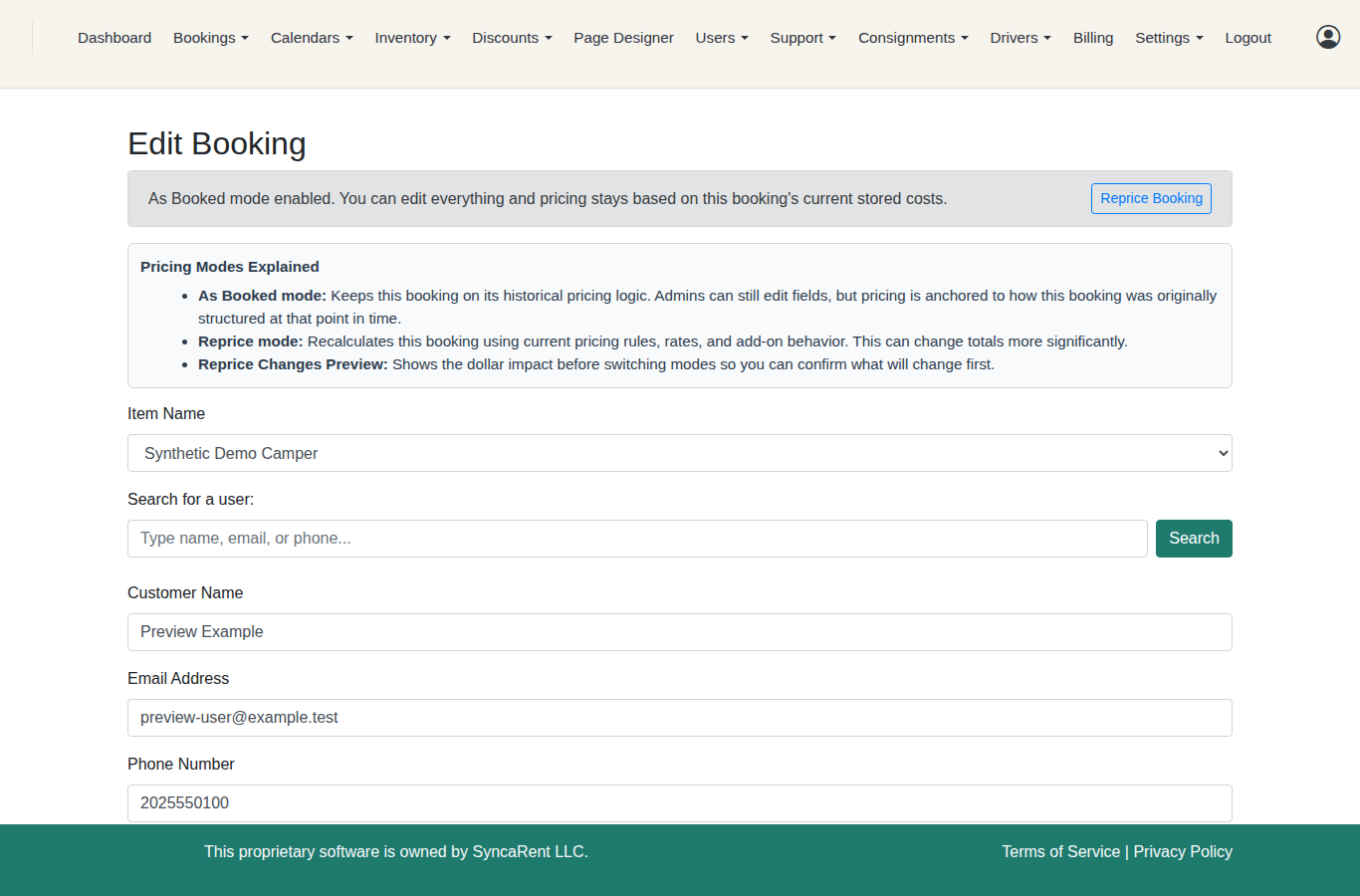
Create quotes with supported rental methods
What’s changing
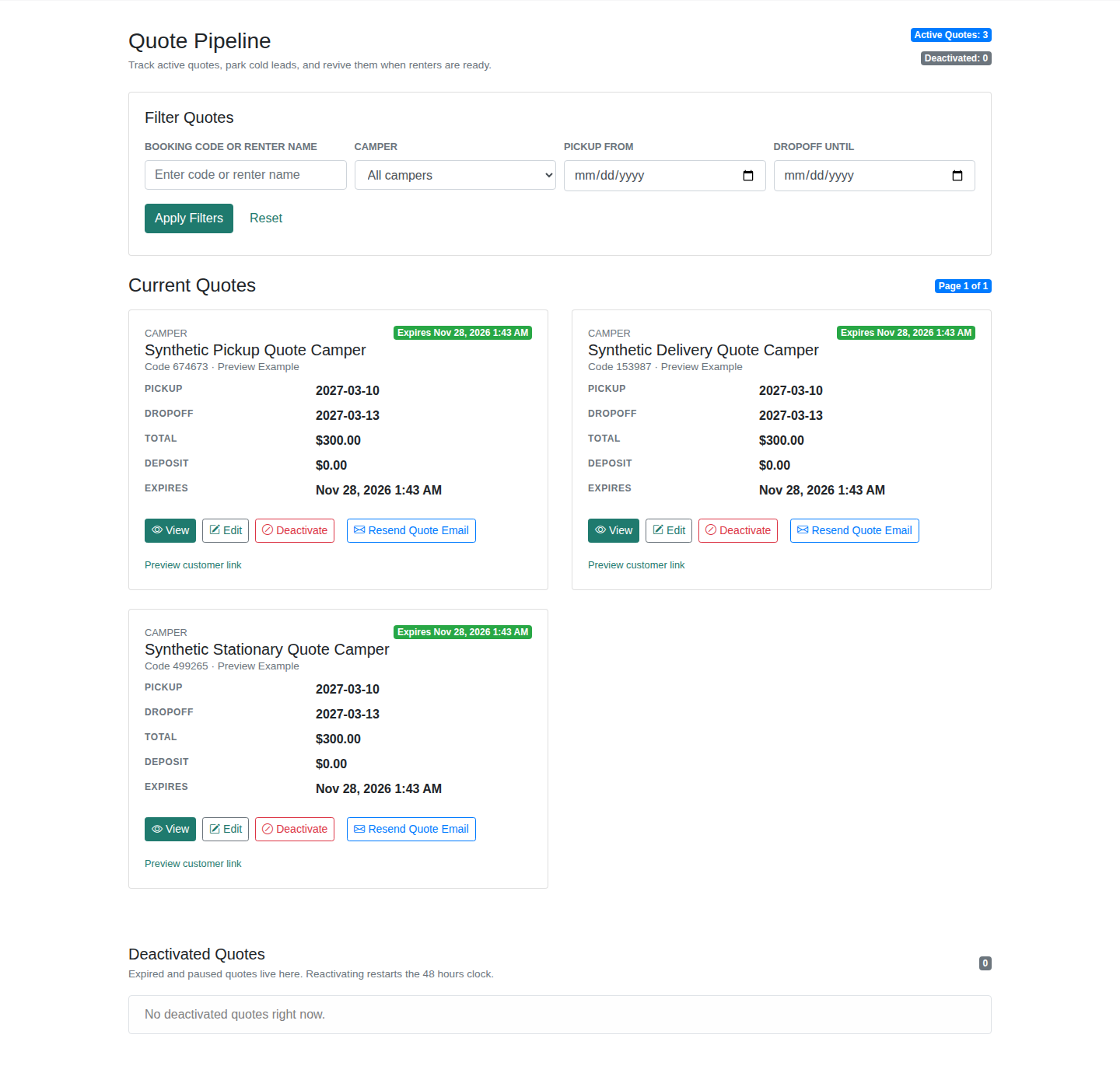
The Create Booking form now limits rental-method choices to those supported by the selected inventory item, such as Pickup, Delivery, or Stationary.
When you change the inventory item, the form updates the available methods. If the previously selected method is no longer supported, it selects an available method instead. If eligibility changes before the quote is saved, the form shows a readable validation message rather than a server error.
Existing quote-notification controls are unchanged.
Where to find it
In the admin portal, open Create Booking and locate the rental-method field after selecting an inventory item.
How to use it
1. Open Create Booking. 2. Select the inventory item for the quote. 3. Review the rental method shown by the form. Only methods supported by that item should be available. 4. Complete the remaining quote information and use the existing quote-submission action. 5. If the form reports that the rental method is unavailable, review the selected inventory item and choose from the methods currently offered before submitting again.
The exact customer-facing labels for the rental-method field and submission action are uncertain from the supplied evidence and may vary by configuration.